Public-key host
You need a GitHub account. You do not buy a domain. The AI agent logs in with gh auth login. You approve that login once. It then publishes the public key to a user or organization site named <username>.github.io.
The key has to sit at the domain root:
https://<username>.github.io/.well-known/appspecific/com.tesla.3p.public-key.pem
A project subpath such as https://<username>.github.io/<repository>/.well-known/... does not work. Tesla fetches the key from https://<domain>/.well-known/appspecific/com.tesla.3p.public-key.pem, not from a path under a project site.
Tesla’s partner documentation requires a lowercase domain that shares a root with an allowed origin, and a P-256 (prime256v1) key pair, the curve Tesla requires. Their example of the root rule is 123.abc.com with an allowed origin of www.abc.com. The getting-started page also lists “Domain name is invalid” as a reason an application can be rejected automatically. Register the hostname that actually serves the key.
Any HTTPS host at a domain root also works, for example a custom domain. Put the same file at /.well-known/appspecific/com.tesla.3p.public-key.pem on that host. This guide publishes with GitHub Pages.
The site template includes an empty .nojekyll file so GitHub Pages serves .well-known instead of hiding that directory. If <username>.github.io already hosts a site, the publish script adds the public-key file and .nojekyll when .nojekyll is missing. It does not replace the rest of the site. The script works in a temporary folder, not in this git checkout, and it refuses a file that contains a private key. .nojekyll turns Jekyll off for that repository, which is what lets the dot directory through.
Step 1 — Approve GitHub login once
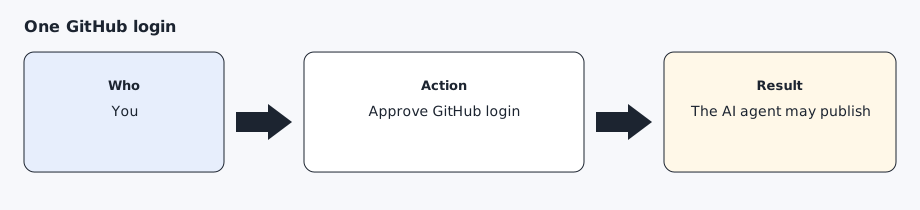
Create a GitHub account if you do not have one, at https://github.com/signup. You do not buy a domain. On the computer, the AI agent runs:
gh auth login
Approve the browser prompt once. When it finishes, gh auth status shows the account. That is the only login this host needs.
Step 2 — Let the AI agent publish the key
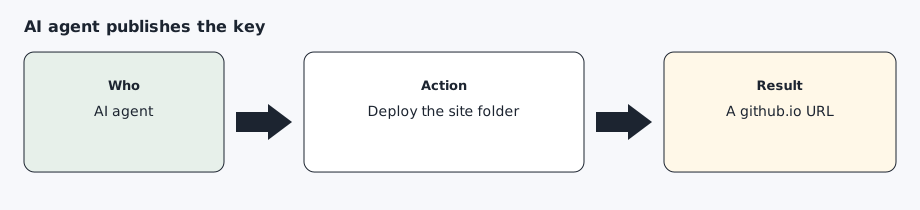
The AI agent generates a P-256 (prime256v1) key pair, the curve Tesla requires, in ~/.config/agentdrive (or $AGENTDRIVE_HOME), with mode 600 on the private key (readable only by your user; run chmod 600 on the file). It publishes only the public key:
bash setup/publish-public-key.sh --owner <username> --public-key ~/.config/agentdrive/public-key.pem
<username> is the lowercase GitHub login. The repository must be <username>.github.io. The script prints:
https://<username>.github.io/.well-known/appspecific/com.tesla.3p.public-key.pem
If that repository already has a site, the script adds the key file and does not replace other pages. An account name that contains tesla is refused.
Step 3 — Check the URL before you leave the step
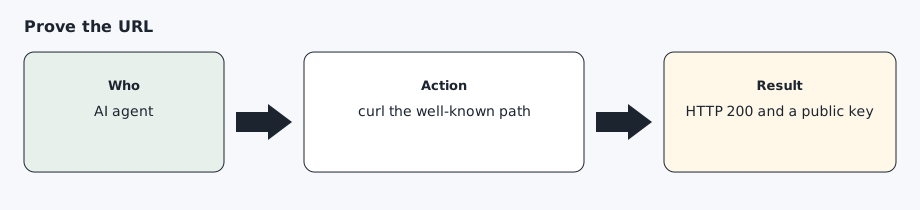
The same script curls the URL. GitHub Pages can take a few minutes the first time. You can repeat the check:
curl -fsS "https://your-username.github.io/.well-known/appspecific/com.tesla.3p.public-key.pem"
The body must contain BEGIN PUBLIC KEY and must not contain a private key. Then run python -m core doctor. The token check will fail until sign-in. The public-key check should pass.
From the repository root (so Python can find the core package):
PYTHONPATH=. python3 -m core doctor --public-key-url "https://your-username.github.io/.well-known/appspecific/com.tesla.3p.public-key.pem" --secrets-dir ~/.config/agentdrive
HTTP 403 can mean a CDN or bot-protection rule is blocking non-browser clients. curl uses its own user agent. AgentDrive sends AgentDrive/<version> (+https://github.com/agentdrive-dev/agentdrive).
Step 4 — Use that hostname everywhere Tesla asks for a domain
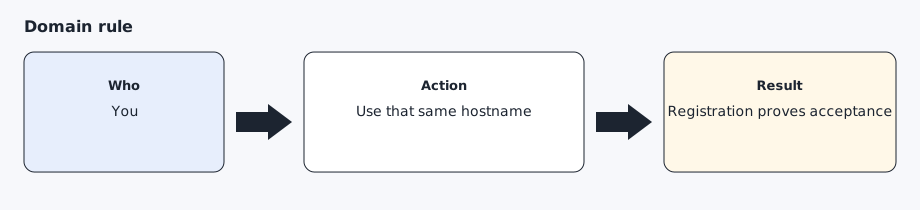
The allowed origin, the redirect host, the partner registration domain, and the pairing link all use your-username.github.io with your real login. Do not register a project subpath, and do not register a different host than the one that serves the key. If the repository uses a custom domain, register that hostname only when the same well-known file is served at its root. If the portal says the domain is invalid, or partner registration fails, keep the error text.
Expected result
curl prints a public key from the github.io URL, python -m core doctor passes the public-key check, and you have the hostname written down for the developer application. The private key is only in ~/.config/agentdrive (or $AGENTDRIVE_HOME).
Common errors
gh auth login opens a browser and you are not signed in. Finish the GitHub account first, then approve login again.
The repository is not named <username>.github.io, or the URL has a project subpath. Tesla reads the key at the domain root. Rename is not required if you create the user or organization site. Do not publish the key under another repository’s path.
The account name contains tesla or is not lowercase. The script exits before it publishes. Use the lowercase login, and pick an account name that does not contain tesla.
curl returns 404. Pages can take a few minutes. The file must be at the exact well-known path, and .nojekyll must be in the repository or GitHub Pages hides the dot directory. Publish again from the script. Do not rename the pem file.
The body contains a private key. Remove that file from the site, rotate the key pair, and publish only the public half.
Partner registration or the application form says the domain is invalid. Keep the error. A project subpath will not fix it. Any other HTTPS host at a domain root, for example a custom domain, can serve the same file.
Prompt for the AI agent
Copy this only when you want the AI agent to do the part below. It must not invent approvals.
1. I have a GitHub account. Run gh auth login if gh auth status is not already logged in, and wait while I approve it once.
2. Read docs/prerequisites/public-key-host.md.
3. Generate a P-256 (prime256v1) key pair, the curve Tesla requires, in ~/.config/agentdrive (or $AGENTDRIVE_HOME). Set mode 600 on the private key (readable only by your user; run chmod 600 on the file). Do not print the private key and do not put it in the git repository.
4. Publish only the public key with setup/publish-public-key.sh --owner <username> --public-key pointing at the public key. The repository must be <username>.github.io so the key is at the domain root. If that repository already has a site, add the key file and .nojekyll only. Do not replace other files.
5. Curl the well-known URL. Run python -m core doctor for that URL. Reply with the github.io URL and the HTTP status.
6. Stop. Do not create a developer application in this turn.