A computer the AI agent can use
The private key, the token file, and tesla-control live on a computer the AI agent can operate. agentdrive doctor (the same command as python -m core doctor) checks the config files, the private key, the public-key URL, and the saved token, then names the adapter. A phone can approve sign-in and pairing. It cannot hold the private key for this toolkit.
You provide the machine. The AI agent checks the tools. Nothing here is a fee from AgentDrive. Python, OpenSSL, curl, the GitHub CLI, and the Go toolchain are free. Go is only needed if tesla-control is built from source.
Step 1 — Provide a machine with the tools
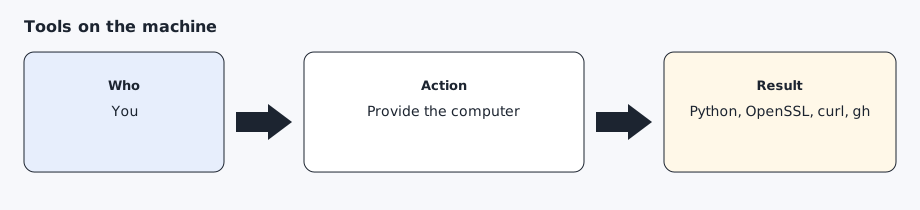
The machine needs Python 3.11 or newer, OpenSSL, curl, and the GitHub CLI (gh). gh is used to publish the public key to GitHub Pages after you approve gh auth login once. tesla-control comes from Tesla’s vehicle-command project: https://github.com/teslamotors/vehicle-command. setup/install.sh clones that repository and runs go build ./cmd/tesla-control. Installing the module with Go’s @latest selector fails because the upstream module uses replace directives, so the installer does not do that. AgentDrive uses internet (Fleet API) commands, not Bluetooth. Windows is fine for that path; Tesla’s Bluetooth features in tesla-control are unsupported on Windows and unused here.
Step 2 — Let the AI agent check, not guess
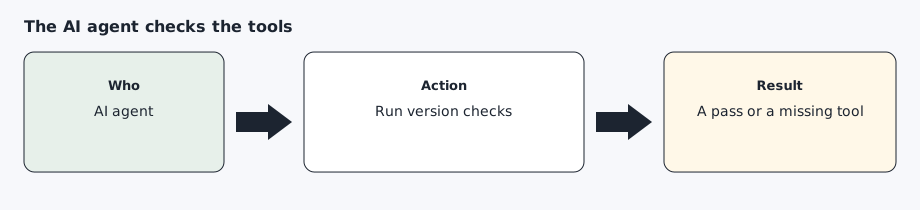
Ask the AI agent to run python3 --version, openssl version, curl --version, gh --version, and tesla-control -h. A missing tool should stop that step. The AI agent should install only what you agree to, in a later turn if the install is large.
Step 3 — Keep secrets in a private folder
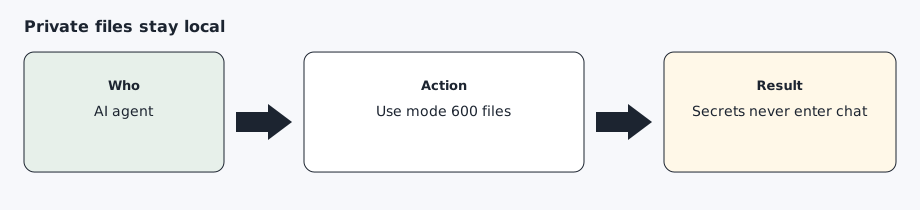
Use ~/.config/agentdrive (or $AGENTDRIVE_HOME). That directory is the config home on macOS, Linux, and Windows. On Windows the default is C:\Users\<you>\.config\agentdrive. <you> is a placeholder.
The private key can stay outside that directory. Set AGENTDRIVE_KEY_FILE, or key_file in $AGENTDRIVE_HOME/runtime.yaml. A placeholder Windows path is C:\Users\<you>\agentdrive-key\private-key.pem. The token file is AGENTDRIVE_TOKEN_FILE or token_file in the same runtime file. See config/runtime.example.yaml.
On macOS and Linux the private key file must be mode 600 (readable only by your user; run chmod 600 on the file). The folder should be mode 700. On Windows, limit the file ACL to your user. The repository’s .gitignore rejects key and token files. Do not copy them into the git checkout.
Expected result
The four version commands succeed, tesla-control -h prints help, and ~/.config/agentdrive (or $AGENTDRIVE_HOME) exists with permissions limited to your user.
Common errors
python3 --version is older than 3.11. Install a newer Python before setup/install.sh.
gh is missing. Install the GitHub CLI before the public-key step. The rest of the toolkit can wait.
tesla-control is not on PATH. Re-run setup/install.sh so it can clone the vehicle-command repository and build ./cmd/tesla-control. The binary is placed in $AGENTDRIVE_HOME/bin. Do not substitute a random binary from a forum.
The private key was created inside the git repository. Move it to ~/.config/agentdrive (or $AGENTDRIVE_HOME) and do not commit it.
Prompt for the AI agent
Copy this only when you want the AI agent to do the part below. It must not invent approvals.
Check this machine for AgentDrive. Run python3 --version, openssl version, curl --version, gh --version, and tesla-control -h. Tell me which ones are missing. Do not generate a key, do not log in anywhere, and do not print any file under ~/.config/agentdrive (or $AGENTDRIVE_HOME).