Developer application
The full form steps are in Developer application. Billing is in Payment method and billing limit.
What you type
- Sign in at https://developer.tesla.com with the vehicle account.
- Create an application with a unique English name and a description of personal use of your own car. Grant
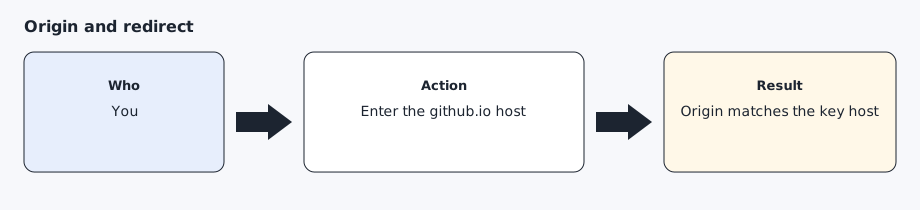
openid,offline_access,user_data,vehicle_device_data,vehicle_location, andvehicle_cmds.vehicle_locationis required for a location read. - Set the allowed origin to the bare hostname, such as
your-username.github.io. - Set the redirect to
https://your-username.github.io/callback. - Save the client id and client secret into
~/.config/agentdrive/client.json(or$AGENTDRIVE_HOME/client.json) with keysclient_idandclient_secret, mode 0600, or into mode 0600 files under~/.config/agentdrive/secrets/(or$AGENTDRIVE_HOME/secrets/). The command line also readsAGENTDRIVE_CLIENT_IDandAGENTDRIVE_CLIENT_SECRET. Do not paste the secret into chat. A secret can contain&; the token request is form-encoded. - On the billing page, use Manage Payment and Update Limit. Tesla disables an application with no payment method, and the limit starts at 0. Usage is pay-per-use. Status codes 500 and above are not billed. The published monthly discount for individual developers is $10. Confirm the live page before you rely on that figure, and set a limit you can accept.
Expected result
The dashboard shows the application, the origin matches the public-key host, and the billing limit is above 0.