AgentDrive
Turn your AI agent into your car concierge.





Source, issues, and the project page are on GitHub.
AgentDrive is unofficial. It is not affiliated with, endorsed by, or supported by Tesla.
You just chat in plain words. The AI agent translates that into AgentDrive commands. You do not need to learn, memorize, or type the CLI commands.
Grok Bot, Muse, or any shell-capable AI agent uses this same path.
You chat normally with an AI agent to control a parked Tesla. This is conversational parked-car control, not an official Tesla product.
How it works
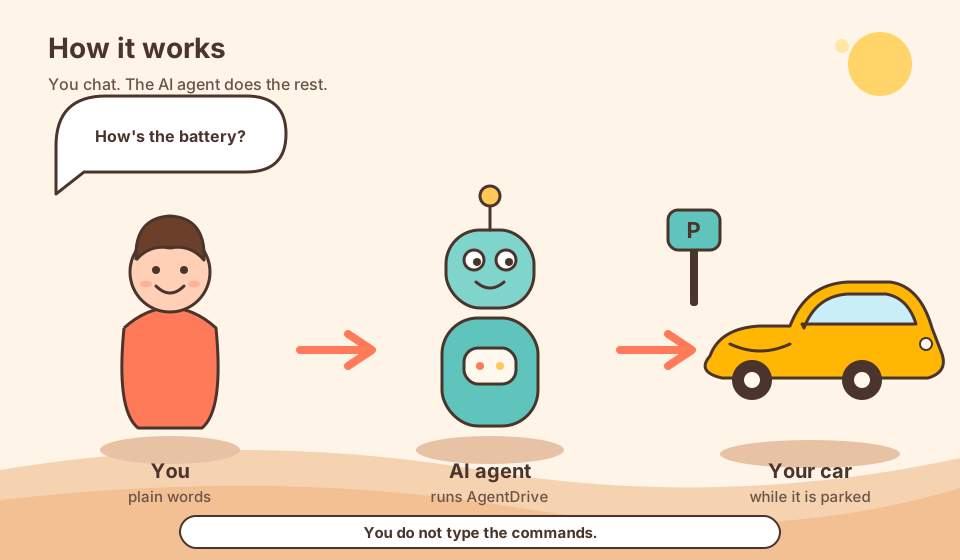
You say what you want. The AI agent runs AgentDrive on your computer. Reads use the Tesla Fleet API. Parked commands are signed with your key. Those commands act while the vehicle is parked.
What you can do
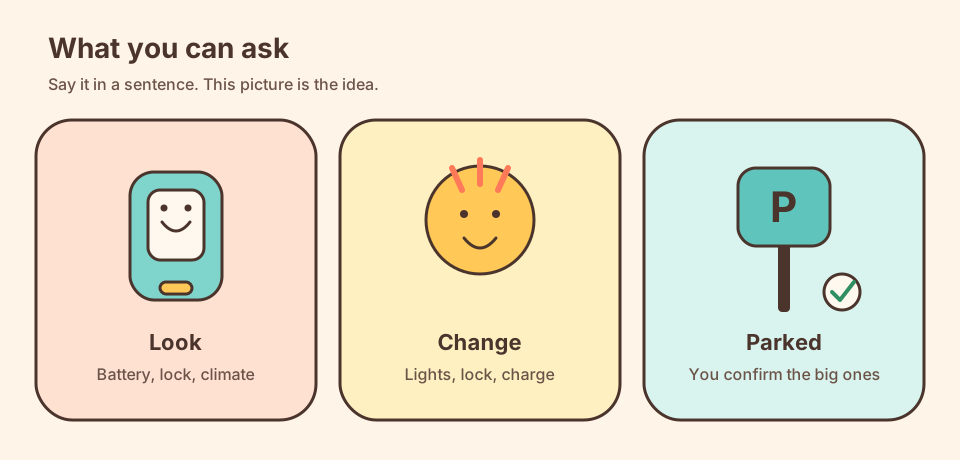
Say it in a sentence. The AI agent does the rest.
Run the parked car from the chat. Lock or unlock it, turn the climate on or off, set the temperature, heat a seat, heat the steering wheel, turn defrost on or off, or precondition the cabin. Turn sentry mode on or off. Open the rear trunk and close it when the car can, open the front trunk (the frunk), and enable remote start so the car can be driven without the phone key. Start or stop charging, and set a charge limit. Flash the lights or honk. Unlock, turning sentry off, charging, the trunk, the front trunk, and remote start each wait for a confirmation. You can also set the car’s own charging timetable, or ask which area the car is parked in.
Get a health alert when something new needs you. Tyre pressure, a low battery, a charge problem, or the car left unlocked or open. You hear about it when it is new. The same alert then stays quiet until it clears and comes back.
Review how the car was used. Ask for a usage review, or receive a morning briefing: the previous day, the previous week on Monday, the previous month on the 1st, and the previous year on 1 January. Some mornings include a short tip, a service reminder when one is due, and on Monday one official Tesla note when there is something new.
A conversation
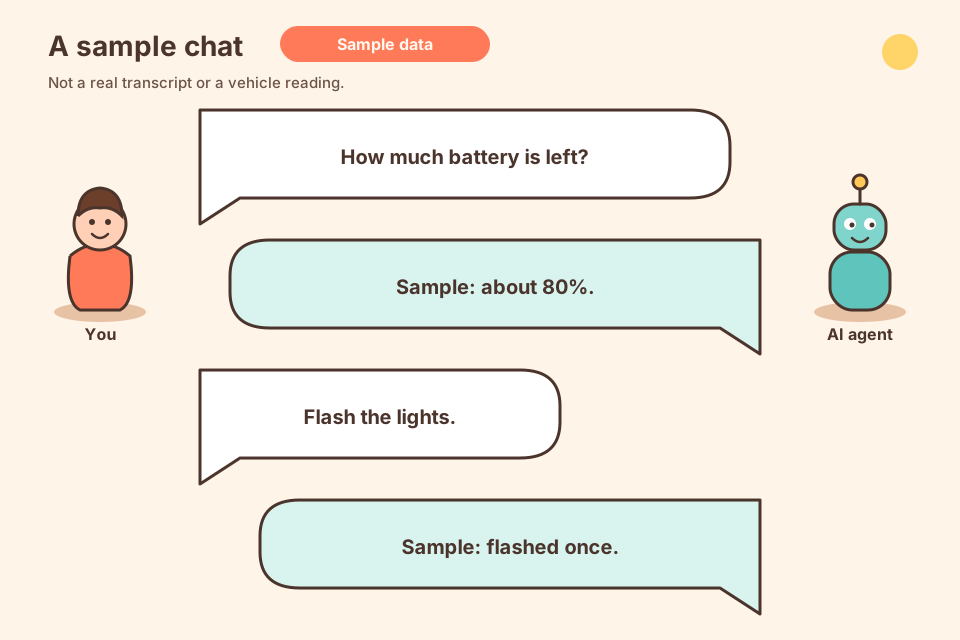
The figures are sample data, not a vehicle reading or a transcript.
A morning report
On a normal morning the AI agent can send a usage review like this. Illustrative sample. The figures are sample data, not a vehicle reading or a transcript.
This morning's report is the daily vehicle history.
Daily vehicle history for 2026-11-06
Saved on this computer. This does not contact the car.
Trips: 2, 48 km. Energy used 9.4 kWh.
Charges: 1, energy added 18.2 kWh, 12 charge readings.
Snapshots: 14
Alerts: none
Tip: You do not need to memorize commands. Say what you want in plain words. The AI agent turns that into AgentDrive.
How to start
Have an AI agent that can run shell commands. Paste the prompt below. Then only handle the confirmations it asks for. About an hour, mostly approvals: you accept the disclaimer, approve a GitHub login, create the Tesla developer app, sign in to Tesla in the browser, and approve the key in the Tesla app.
Paste this to your AI agent:
Install AgentDrive. Open the install instructions and follow them exactly:
https://agentdrive-dev.github.io/agentdrive/docs/00-before-you-start.html
That page is also docs/00-before-you-start.md in the repository after you clone.
Do not invent a second installer or its own steps.
Only ask me for the approvals those instructions say the human must do.
Disclaimer
Experimental and testing purposes only. AgentDrive is unofficial and is not a Tesla product. Use it only on a vehicle you own, or a vehicle you are explicitly allowed to control. To the maximum extent permitted by law the software is provided as is, and the author’s liability is excluded. Nothing here excludes a right under the Australian Consumer Law that cannot be excluded. The full text is in DISCLAIMER.md. Read SECURITY.md before you install.
Supported agents
| Agent | Status | Notes |
|---|---|---|
| Grok Bot | Supported — basic real-car commands tried on a vehicle | Adapter grokbot. |
| Any agent that can run shell commands | Supported through the template | Adapter template. Works with AI agents such as coding agents or self-hosted bots that can run python3 and bash on your computer. |
| Muse | Supported — basic real-car commands tried on a vehicle | Adapter muse. |
Basic real-car commands were tried with Grok Bot and with Muse. That trial does not cover every command in this repository.
Host detection, including the environment variables the installer reads, is documented in AI agents.
Want another agent? Copy adapters/template.py, then open an issue or a pull request.
Layout
config/ holds hosts, scopes, and generic vehicle capabilities. core/fleet talks to the API. core/safety enforces park, confirmation, and the install gate. core/profile stores suburb-level habits. adapters/ connects the AI agent. setup/ installs, publishes the public key, and runs doctor.
Contact
agentdrivedev@gmail.com
Reporting
Ordinary problems go to GitHub Issues. Vulnerabilities go through private vulnerability reporting. Reports are reviewed and fixed promptly. Do not include secrets, a VIN, or a live location.
Acknowledgements
Thanks to MuseDrive for the original idea and working approach that inspired AgentDrive. MuseDrive is MIT-licensed; its notice is preserved in NOTICE.
License
MIT License, Copyright (c) 2026 AgentDrive contributors. See LICENSE. The MuseDrive MIT notice is kept, unchanged, in NOTICE. MuseDrive is at https://github.com/ukhhh/musedrive.